The Web's Glow-Up: A Visual History of Web Design
From blinking text to AI-generated UIs — how the web learned to look good (and think)

2023–Now — The AI & Design System Era

Stack: React / Next.js · Tailwind CSS · shadcn/ui · Radix UI · Vercel AI SDK · Framer Motion
Devices: All screens, but desktop-first for dashboards; mobile-first for everything else.
What changed:
shadcn/ui killed the era of one-size-fits-all component libraries — you copy the code, you own it
AI-generated UI, chat interfaces, and streaming text became first-class design patterns
Design tokens, CSS variables, and dark mode are now table stakes, not extras
Glassmorphism, soft shadows, and micro-animations replaced flat design's hard edges
UX Insight: Users now talk to interfaces. The chat box is the new search bar. The biggest shift isn't visual — it's conversational UI becoming mainstream. Cognitive load dropped because the machine adapts to the user, not the other way around.
2017–2022 — The Flat + Component Library Era
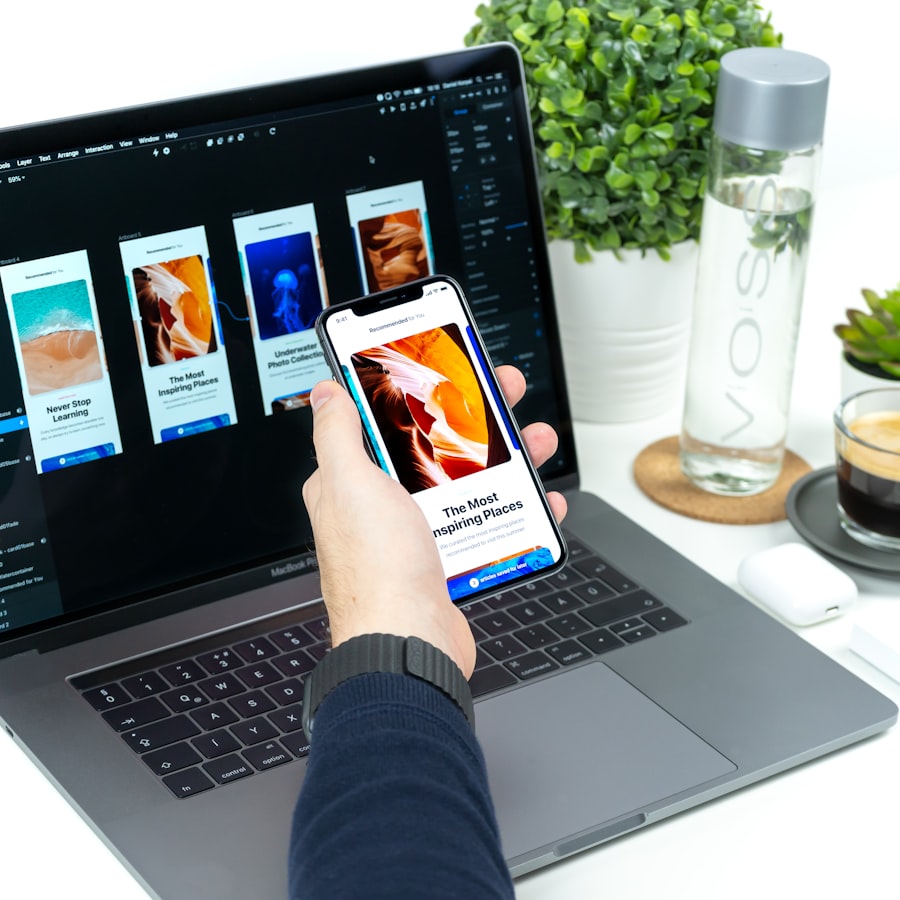
Stack: React / Vue · Bootstrap → Material UI → Chakra UI · CSS Grid · Figma (replaced Sketch)
Devices: Mobile-first design became the law after Google's 2018 mobile-first indexing.
What changed:
Figma democratized design — devs and designers finally spoke the same language
Component-based UI (React ecosystem) meant design systems like Google's Material Design and IBM's Carbon became templates for the whole industry
CSS Grid replaced Bootstrap's 12-column tyranny with real layout power
Dark mode appeared as a system-level feature in 2019 (iOS 13 / Android 10)
UX Insight: Design became systematic. Every button, card, and modal followed rules. The upside: consistency. The downside: every SaaS product started looking identical — the "Stripe aesthetic" became a meme. Sameness was the tax on good tooling.
2012–2016 — The Flat Design & Mobile Revolution
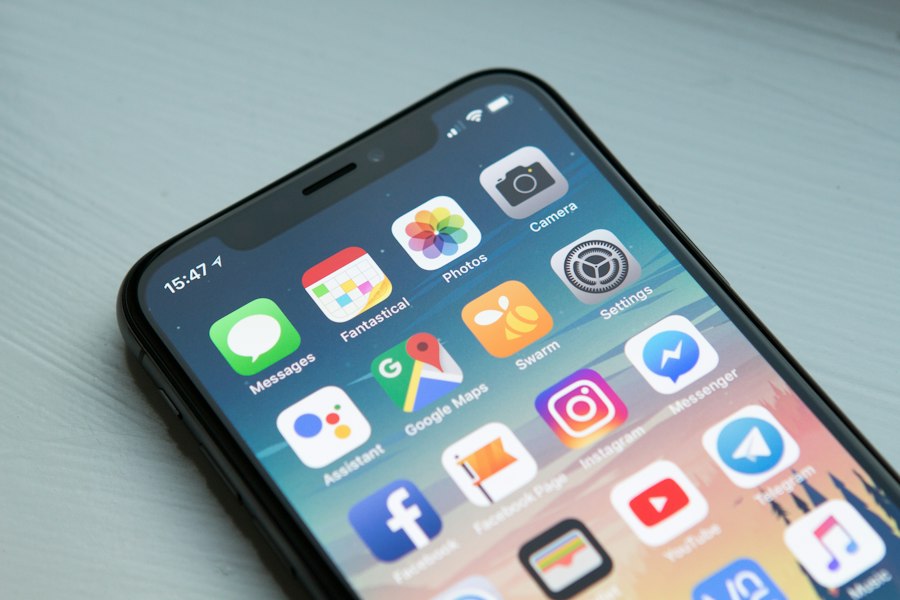
Stack: jQuery → Angular/React emerging · Bootstrap · LESS/SASS · Responsive CSS
Devices: Smartphones overtook desktop traffic. The responsive grid was no longer optional.
What changed:
iOS 7 (2013) nuked skeuomorphism overnight — flat icons, thin typography, translucency
Google's Material Design (2014) brought physics-inspired motion and elevation to the flat era
Bootstrap 3 made responsive grids accessible to everyone with a laptop
Web fonts (Google Fonts launched 2010) finally let designers escape Arial and Times New Roman
UX Insight: Flat design was a reaction to excess. Skeuomorphic textures were beautiful but heavy. Flat was faster, cleaner, and screen-resolution-independent. The trade-off: affordances became invisible — users had to learn that flat rectangles were buttons. Ghost buttons caused real confusion.
2007–2011 — The Skeuomorphic & Web 2.0 Peak

Stack: PHP/WordPress · jQuery · CSS3 (box-shadow! border-radius!) · Adobe Photoshop PSDs
Devices: Desktop dominant; iPhone launched 2007 but mobile web was still painful.
What changed:
iPhone (2007) introduced capacitive touch and a mobile browser that actually worked
CSS3 brought rounded corners, drop shadows, and gradients — no more sliced images for everything
Glossy buttons, leather textures, wood grain, and realistic icons ruled (Apple Notes looked like real paper)
Ajax and jQuery made pages dynamic without full reloads — Gmail led this wave
UX Insight: Skeuomorphism worked because it reduced the learning curve — a note-taking app that looked like paper was instantly intuitive. The problem was maintenance: every OS update required redesigning textures. It also aged fast. By 2012, it looked dated and heavy.
2002–2006 — The Flash & "Web 2.0" Transition

Stack: Macromedia Flash · ActionScript · CSS (table-less layout emerging) · PHP
Devices: Desktop only. 800×600 and 1024×768 were the standard resolutions.
What changed:
Flash websites were cinema — full-screen animations, custom cursors, loading screens, audio on page load
"Skip intro" became a cultural artifact because intros were often 30-second animations
CSS zen garden (2003) proved you could separate design from HTML completely
Rounded corners, gradient badges, and "beta" labels = Web 2.0 aesthetic
UX Insight: Flash was powerful but hostile to users — no back button, no text selection, no accessibility, killed phone batteries. It was design prioritizing wow over usability. The era taught the industry that animation without purpose is friction. Steve Jobs refusing Flash on iPhone (2010) was the kill shot.
1996–2001 — The Table Layout Era

Stack: HTML tables for layout · GIF animations · JavaScript rollovers · Macromedia Dreamweaver
Devices: Desktop only. Modems. Pages had to be under 50KB if you wanted users to stay.
What changed:
Tables became the de facto layout system (they weren't meant to be)
CSS existed but browser support was a disaster — most styling was done with font tags and bgcolor attributes
GIF animations everywhere — spinning envelopes, "under construction" signs, hit counters
Horizontal scrolling was common, "above the fold" obsession began
UX Insight: Layout was an accident. Tables for layout was a hack that lasted a decade because there was no better option. The user experience was determined almost entirely by connection speed, not design. A beautiful page that took 3 minutes to load was a bad page. File size was the first UX metric.
1991–1995 — The Pure Text Era

Stack: HTML 1.0–2.0 · No CSS (didn't exist until 1996) · Mosaic / Netscape browser
Devices: Desktop workstations. Universities and research labs. Text terminals.
What changed:
The web was invented at CERN in 1991 — it was document sharing, not design
Mosaic (1993) added inline images — a revolutionary feature at the time
Pages were: black text, blue links, gray background. That's it.
No fonts, no colors, no layout — just headings, paragraphs, and hyperlinks
UX Insight: There was no UX — there was just information. And that was enough. The web's original promise was access to knowledge, not aesthetics. The hyperlink was the most important UI element ever invented. Everything since has been decoration on top of that idea.
The Leap Timeline
Era | Key Leap | UX Impact |
|---|---|---|
2023+ | AI + design systems | Conversational interfaces, zero-config components |
2017–22 | Figma + React ecosystem | Systematic design, dark mode, mobile-first |
2012–16 | Flat design + responsive | Speed, cross-device consistency |
2007–11 | CSS3 + iPhone + Ajax | Touch UI, dynamic pages, rich visuals |
2002–06 | Flash + Web 2.0 | Animation peak, then backlash |
1996–01 | Tables + GIFs | Layout hacks, visual chaos |
1991–95 | Pure HTML | Hyperlinks, information access |
The web didn't just get prettier — it got faster, more accessible, more personal, and increasingly intelligent. The next leap? Interfaces that disappear entirely — ambient computing, voice, and AI that knows what you need before you ask.